Responsive & Accessible Redesign Web Dev, UX, and a11y
Challenge
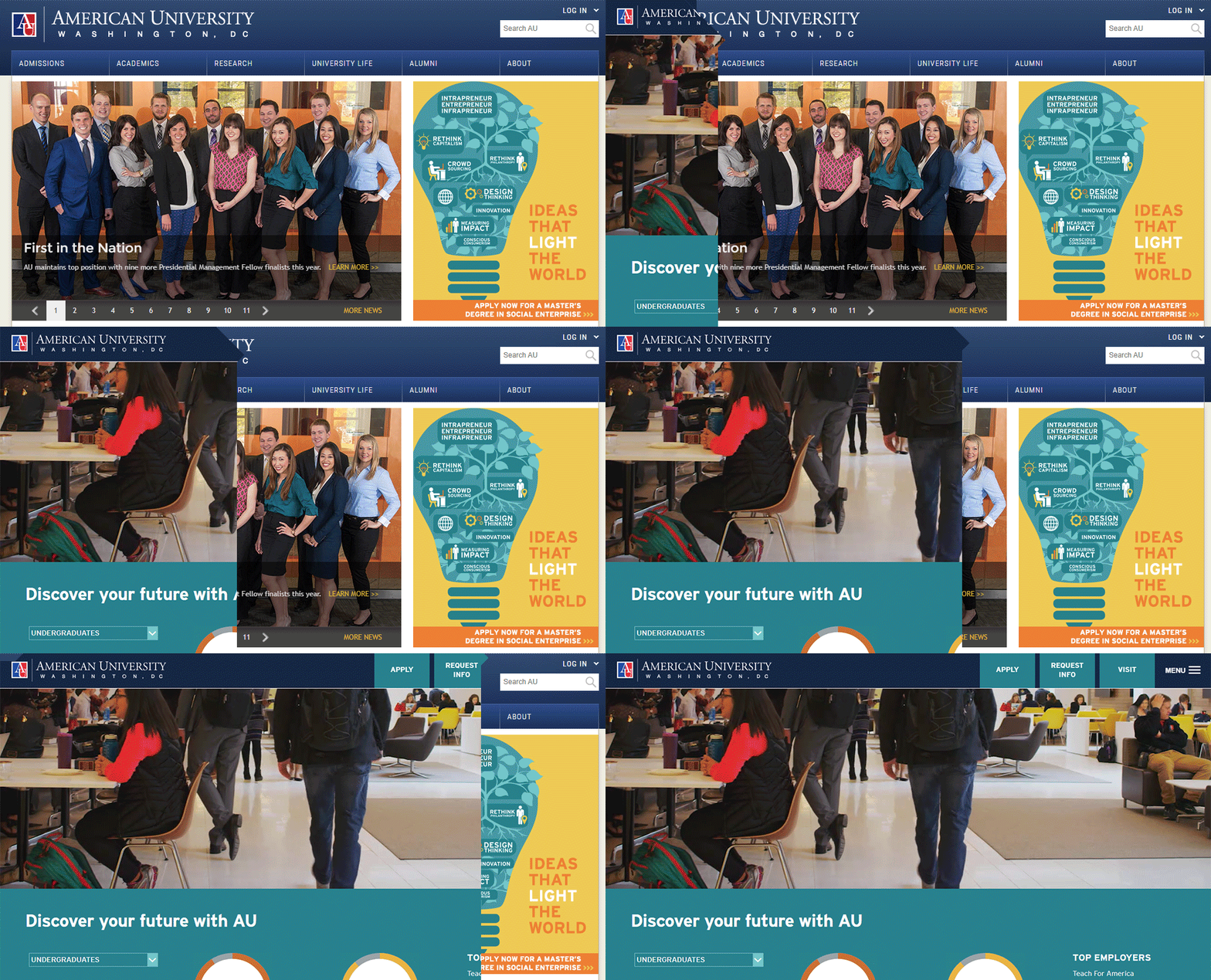
First, take a decades old higher education site and make it responsive to satisfy Google's Mobilegeddon.
Second, in conjunction with University Communications and Marketing designers, revamp the top 20 pages of the site and make them as WCAG compliant as possible.
Third, due to outside forces, roll out the new designs and accessible to the tens of thousands of pages on the site within 6 months.
Finally, Take the UCM design guidance, create an Adobe XD design system, and roll it out to other university properties while evangelizing for Accessibility.
Rationale
As a developer working in conjunction with University Communications and Marketing, I led a multi-phased approach to revamping the public facing website of a major university. First, with minimal changes, we brought the static desktop site up-to-date as a responsive, mobile-friendly website. Then, we refreshed the top 20 landing pages and created an entire new set of WCAG-compliant content management system (CMS) components. After that, we rolled these new designs and components out to nearly 12,000 pages (down from the 24,000 pages we had before a content audit).
Where my design and UX skills really were allowed to shine was in taking this new brand guidance and applying it to the numerous other platforms serving the campus community: incoming students, current students, alumni, faculty and staff, etc. While trying to make this new guidance work in systems that I had varying degrees of control over (both from a governance and a code-access perspective), I knew which design rules and guidance were sacrosanct (no altering the logo, clearspace around the logo, etc.) and which perhaps had a bit more wiggle room to accept the constraints of the system and violate branding slightly. However, by the time I left, most of the hodge-podge of systems (public site, Ellucian CRM, ServiceNow, intranet, SharePoint, WordPress, etc.) that comprise a university experience looked like they belonged to a coherent, modern brand aesthetic and were as accessible as the code allowed.
Critique
Accessibility is always a challenge in CMS and/or no-code/low-code environment. For example, I could make the CMS require an alt attribute but I couldn't guarantee the quality of the information in said alternative text. The same is true for design principles. No matter how much you might say, for example, do not recolor logos or create unauthorized variants, it is terribly hard to police across hundreds of thousands of pages of content.
Additionally, we weren't able to do as much hard UX research work for much of these new designs due to budgetary, time, and institutional restraints. Instead we had to leverage existing bodies of data (new student surveys, help desk tickets, etc.) to ascertain pain points and come up with solutions to overcome them.